Ingredient Replacement
Don't have an ingredient at home? No problem! Find the best substitute for your ingredient in seconds.

Scan with your phone camera
It opens Mr. Cook in the App Store or on Google Play.


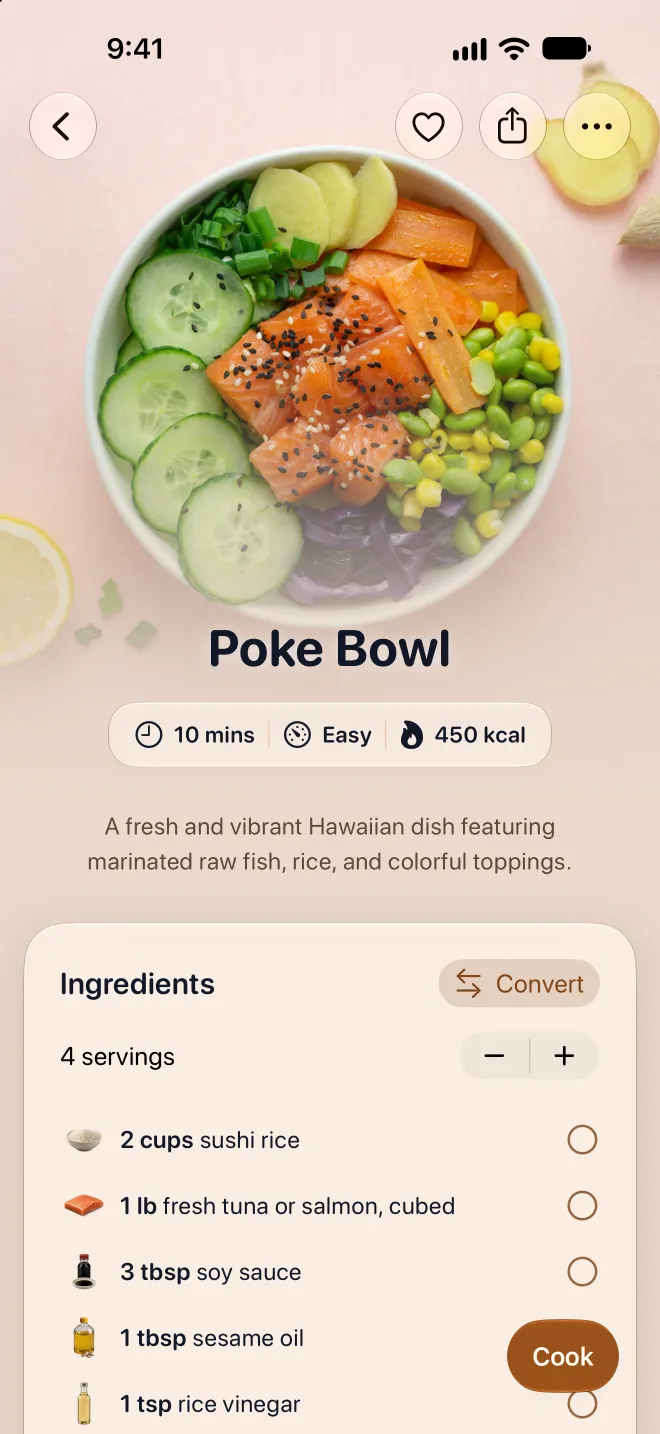

Replace an ingredient in three steps
- 1
Open the recipe
Import it from a link, scan it or open one you already saved in Mr. Cook.
- 2
Say what's missing
Tap “Customize recipe” and write what you want to change, e.g. “no buttermilk at home” or “make it vegan”.
- 3
Cook the new version
The AI rewrites ingredients, amounts and steps. Your original recipe stays as it is unless you choose otherwise.
Common substitutes at a glance
Rules of thumb for the classics. In the app, the AI adapts them to your exact recipe.
| Missing | Use instead |
|---|---|
| 250 ml buttermilk | 250 ml milk + 1 tbsp lemon juice or vinegar, let it stand for 10 minutes |
| 1 egg (for baking) | 1 tbsp ground flaxseed + 3 tbsp water, let it swell for 5 minutes |
| 100 g butter (for baking) | 80 ml neutral oil |
| Sour cream or crème fraîche | Greek yogurt, same amount; in hot dishes stir it in at the end |
| 1 tsp baking powder | ¼ tsp baking soda + ½ tsp lemon juice |
| 100 g sugar | 75 ml honey or maple syrup, and a little less of the other liquids |
| 1 tbsp fresh herbs | 1 tsp dried herbs |
| Wine in sauces | Broth with a splash of vinegar or lemon juice |
Missing an ingredient? The AI suggests substitutes.
Out of buttermilk? Need an egg-free version or an allergy to work around? Open the recipe, tap “Customize recipe” and write what's missing. The AI rewrites the recipe with a fitting substitute and adjusts amounts and steps to match.

Frequently asked questions
Everything you need to know before you start. Can't find your question? Just ask.
Still have a question?
Send us a message. We're happy to help.
Open any recipe in Mr. Cook, tap “Customize recipe” and describe what you want to replace, e.g. “no eggs” or “oat milk instead of milk”. The AI writes a new version of the recipe with the substitutes and adapted amounts and steps.
More tools
All your recipes in one place
Save recipes from anywhere, plan your week and cook step by step. On your phone, tablet and computer.
Scan with your phone camera
It opens Mr. Cook in the App Store or on Google Play.