Recipe Resizer
Recipe conversion for every portion: No more incorrect ingredient quantities! The Mr. Cook app can do even more - discover it now!
Enter your ingredients here. Please enter one ingredient per line. Tip: You can save recipes in the Mr. Cook app and don't always have to type them in again!
Resized Ingredients
More than just converting recipe quantities?
The recipe converter is practical, but the Mr. Cook app can do much more: save & organize, automatic shopping lists, weekly planning and recipe scanning.


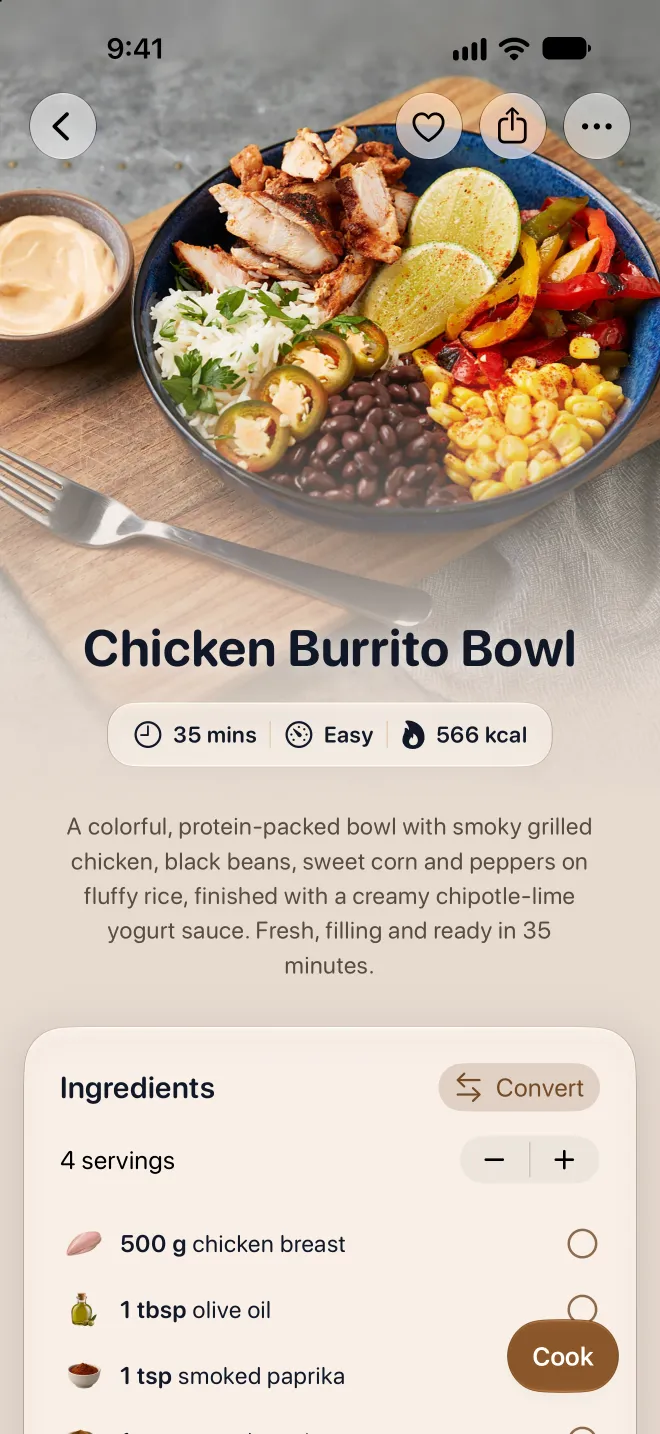
Scale any recipe up or down
Plug in your ingredients and serving count, set the new number, and everything recalculates instantly. Fractions, decimals, mixed numbers. It just works.
Cooking for a Crowd
Got 20 people coming over? Scale up from 4 servings and get exact quantities for everything.
Cooking for One or Two
Family-sized recipe but you're cooking solo? Scale it down so nothing goes to waste.
Meal Prep Batches
Double or triple a recipe for the week. You'll know exactly how much to buy.
Baking Precision
Baking needs exact ratios. The resizer handles fractions and rounding so your bakes actually turn out right.
Frequently asked questions
Everything you need to know before you start. Can't find your question? Just ask.
Still have a question?
Send us a message. We're happy to help.
Yes, with the Mr. Cook app you can save all your recipes.
More tools
All your recipes in one place
Save recipes from anywhere, plan your week and cook step by step. On your phone, tablet and computer.

Scan with your phone camera
It opens Mr. Cook in the App Store or on Google Play.