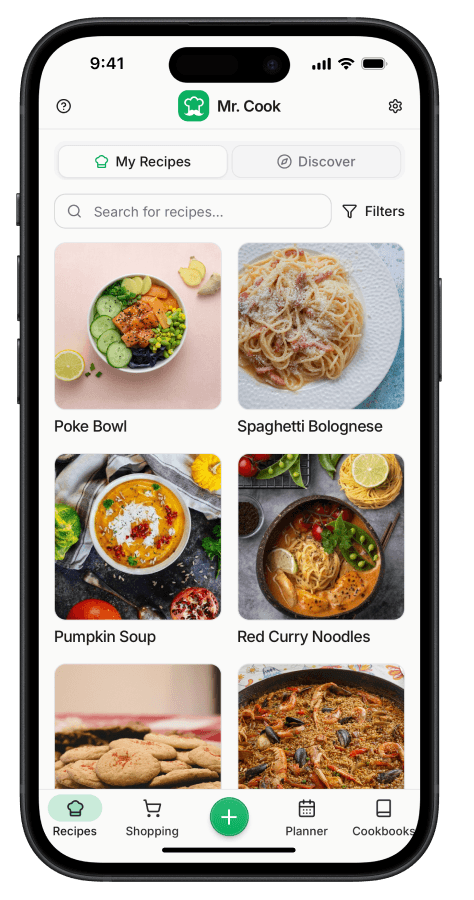
Save YouTube Recipes
Import any recipe from YouTube in seconds. Mr. Cook automatically extracts ingredients, instructions and more.


Loved by 143,000 cooks worldwide
How It Works
Find a recipe on YouTube
Browse your feed or search for your favorite recipes
Copy the link
Tap share and copy the recipe URL
Paste & save
Mr. Cook extracts ingredients and steps automatically
Why use Mr. Cook for YouTube recipes?
Turn YouTube Cooking Videos into Recipes
YouTube has the most detailed cooking content out there. But following a 20-minute video while you're cooking is rough. You end up pausing, rewinding, and squinting at the screen with flour on your hands.
Mr. Cook turns YouTube recipe videos into actual readable recipes. The AI grabs ingredients from the description, picks up on spoken instructions, and creates clear steps you can follow at your own pace.
Works with any cooking channel. Bon Appétit, Joshua Weissman, Tasty, or your favorite home cook. You get a clean recipe with ingredients, instructions, cooking times, and nutrition info.
Tips for Importing YouTube Recipes
- Works best when the video has an ingredient list in the description
- The AI also picks up on spoken instructions
- Long tutorial videos get condensed into clear, numbered steps
- Handles compilation videos with multiple recipes
- Supports cooking channels in any language
Frequently asked questions
Copy the recipe URL from YouTube, paste it into Mr. Cook, and the recipe is automatically extracted and saved to your collection.
Import recipes from other platforms





All Your Recipes in One Place
Organize all your recipes now with the best recipe management app. What are you waiting for?
Loved by 143,000 cooks worldwide