
Save Facebook Recipes
Import any recipe from Facebook in seconds. Mr. Cook automatically extracts ingredients, instructions and more.
Works with any recipe URL from Facebook


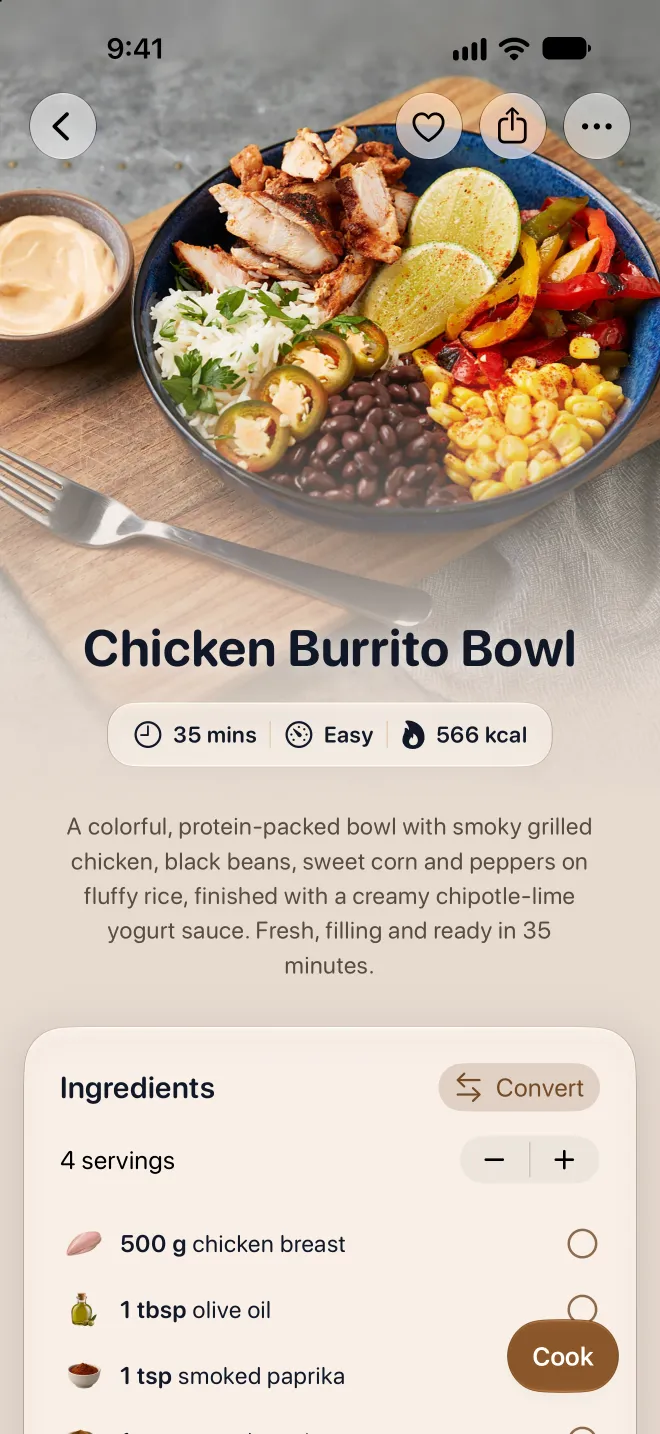

How It Works
- 1
Find a recipe on Facebook
Browse your feed or search for your favorite recipes
- 2
Copy the link
Tap share and copy the recipe URL
- 3
Paste & save
Mr. Cook extracts ingredients and steps automatically
Why use Mr. Cook for Facebook recipes?
AI-powered extraction
Automatically extracts ingredients and instructions from Facebook
Organize in cookbooks
Save imported recipes into your own cookbooks
Meal planning & shopping lists
Plan meals and generate shopping lists from saved recipes
Cross-device sync
Your saved Facebook recipes sync across iPhone, Android, and web
Save Recipes Shared on Facebook
Facebook groups are full of incredible recipes from home cooks everywhere. But finding that recipe someone posted three months ago? Good luck. Facebook search is terrible for that, and recipes posted as comments or group posts are impossible to organize.
Mr. Cook imports recipes from Facebook posts and videos. Cooking video in your feed, recipe shared in a group, link from a friend. Copy the URL and the AI extracts the full recipe.
Stop losing recipes in your Facebook feed. Save them once and they're organized, searchable, and always there when you need them.
Frequently asked questions
Everything you need to know before you start. Can't find your question? Just ask.
Still have a question?
Send us a message. We're happy to help.
Copy the recipe URL from Facebook, paste it into Mr. Cook, and the recipe is automatically extracted and saved to your collection.
Import recipes from other platforms





All your recipes in one place
Save recipes from anywhere, plan your week and cook step by step. On your phone, tablet and computer.

Scan with your phone camera
It opens Mr. Cook in the App Store or on Google Play.