



iPhone & iPad
- 1
Tap the paper plane
Below the Reel or post with the recipe, tap the share icon.
- 2
Tap Share to…
In the bottom row of Instagram's menu, tap Share to… (the box with an arrow).
- 3
Choose Mr. Cook
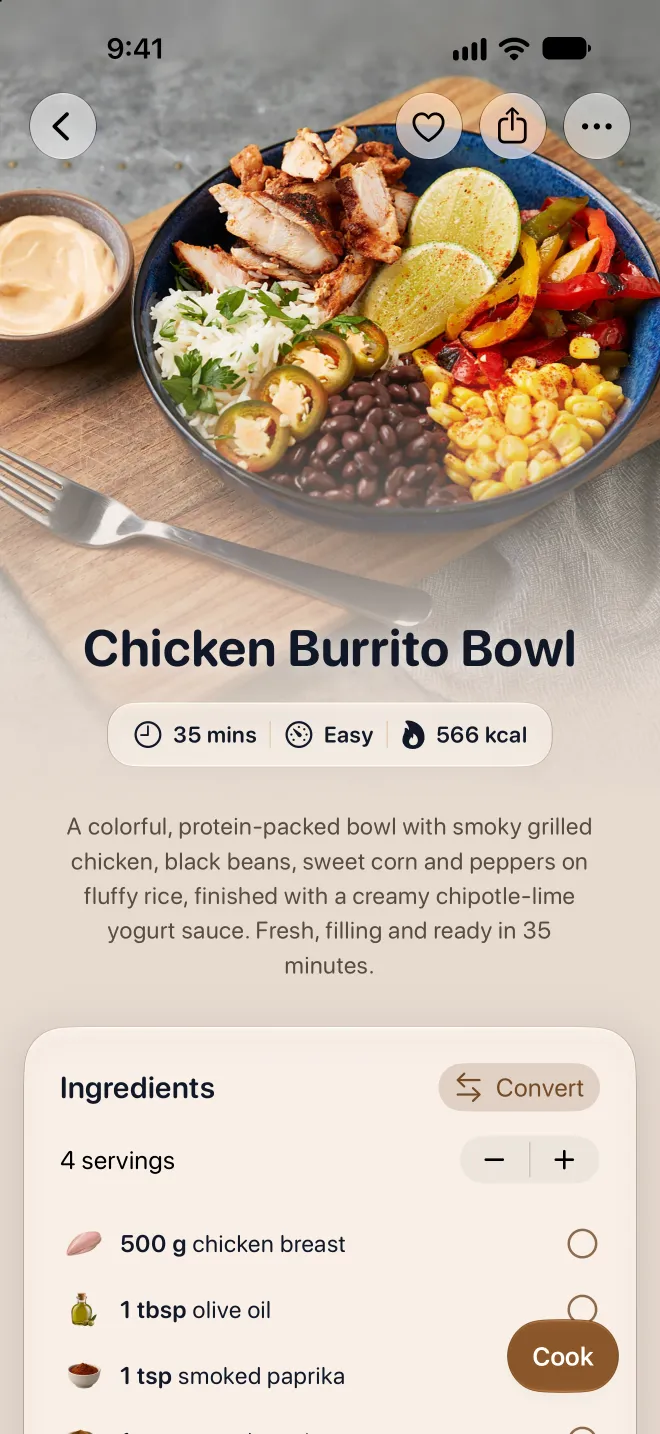
Mr. Cook opens, imports the recipe and shows it to you. Not in the row? Tap More, then Edit, and add Mr. Cook to your favorites.